
How to Search for a Warrant in El Paso County
The first countywide-facing link is a Sheriff's Office search, but its own description limits the results to warrants issued by the Sheriff's Office. Gather the legal name, date of birth, and any citation or cause number. Use the court on the notice to identify the record system that can answer for that case.
After the sheriff interface, check the issuing court and call the warrant line if the result is unclear. A warrant search is not complete just because one source returned no match. Before surrender, payment, or travel to a jail, ask the issuing office and a lawyer what step applies.
- Open the Sheriff's public form and enter Last Name; add First Name, Middle Name, and Date Of Birth.
- Call 915-273-3762, option 1, about a Sheriff's Office result or a question the screen cannot answer.
- Check El Paso Municipal Court for a city citation and the JP precinct printed on a county traffic ticket.
- For a records request, contact the office that keeps the file: District Clerk for felony, County Clerk for adult misdemeanor, or the city/JP court for its case.
- Use DPS/OmniBase for reported FTA/FTP compliance only; ask a lawyer and the issuing court about any confirmed warrant.
El Paso County Sheriff Search Fields
The online Odyssey form is simple, and its limits matter. It shows Last Name, First Name, Middle Name, and Date Of Birth, with Search and Clear controls. It has no visible warrant-type, court, status, or offense filter. The county posts no public update schedule, result cap, or statement that this screen includes every warrant in the county.
The Sheriff form can be opened from the county's Records Search hub. Enter the strongest identifiers available, then ask the warrant line to confirm a possible match. Do not copy or share another person's result.
The El Paso County Sheriff's warrant form is shown at its official source.
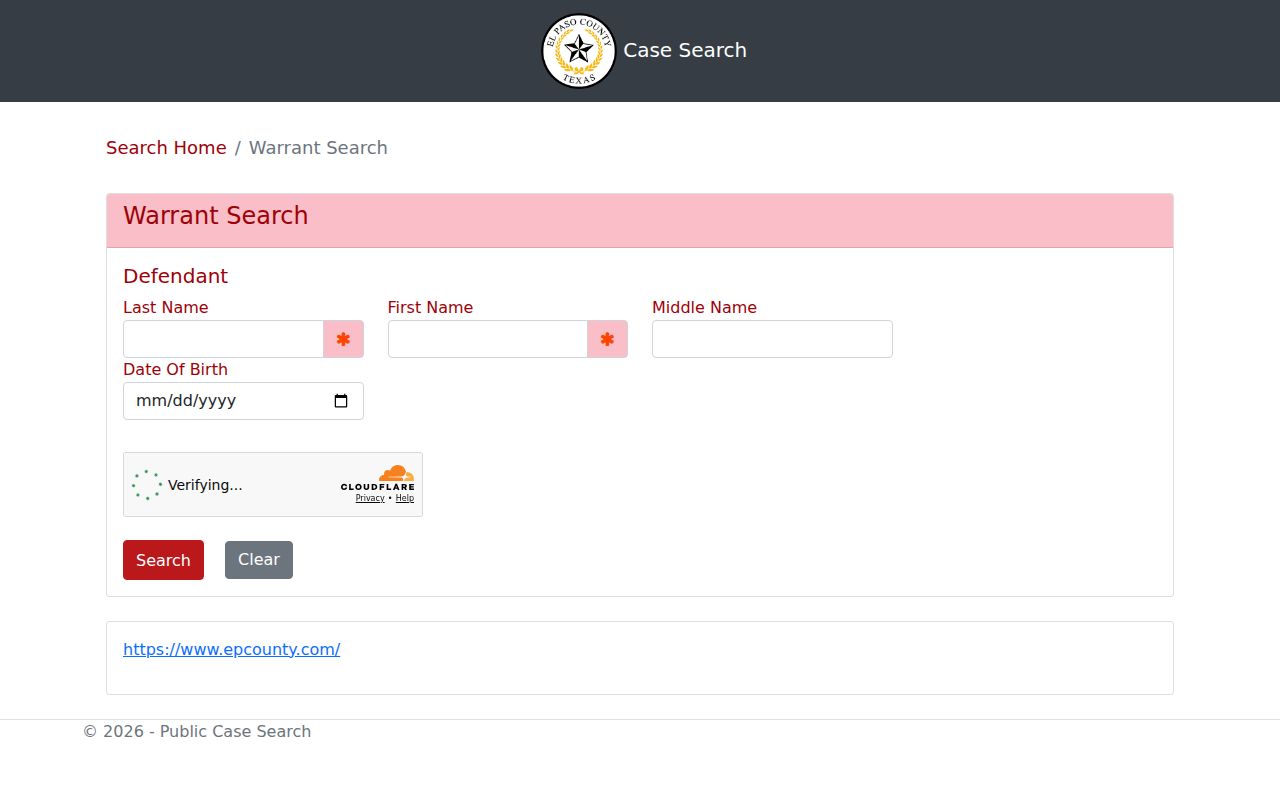
Those four inputs narrow a name search, but they do not make it a complete index of city, JP, juvenile, sealed, or federal process.
El Paso County Warrant Search Fields
Only the name and birth-date fields are displayed; a warrant number or issuing-court dropdown is not offered. Enter the person's legal spelling. The interface does not state whether partial names or wildcards work, so avoid guessing at that behavior. The middle-name field and date of birth can help separate a common name from another person, but a clerk must resolve a disputed match.
| Field Label | Type | Required | Notes |
|---|---|---|---|
| Last Name | Text | Not stated | Use legal surname spelling; wildcard rules are not shown. |
| First Name | Text | Not stated | Add it to distinguish people with similar surnames. |
| Middle Name | Text | Not stated | Optional-looking field; no format note is displayed. |
| Date Of Birth | Date controls | Not stated | Two visible controls; exact date format is not explained. |
| Search / Clear | Buttons | N/A | Search runs the query; Clear removes the criteria. |
FullCourt Searches El Paso City Cases
El Paso Municipal Court's FullCourt is a separate court record system. Click LOG IN, then search a party by last name, first name, and date of birth; a citation can be searched by citation number, or a criminal case by number without dashes. The portal uses a case example such as tr 2010 000001, but that is not a warrant-number format.
Recent citations may take 7 to 10 business days to appear. Juvenile matters for a person age 16 or younger, archived information, and records before January 1, 2006 are not shown. Open the FullCourt portal instructions, then call Municipal Court if a recent case is missing.
The El Paso Municipal Court public landing screen identifies the portal's search routes.
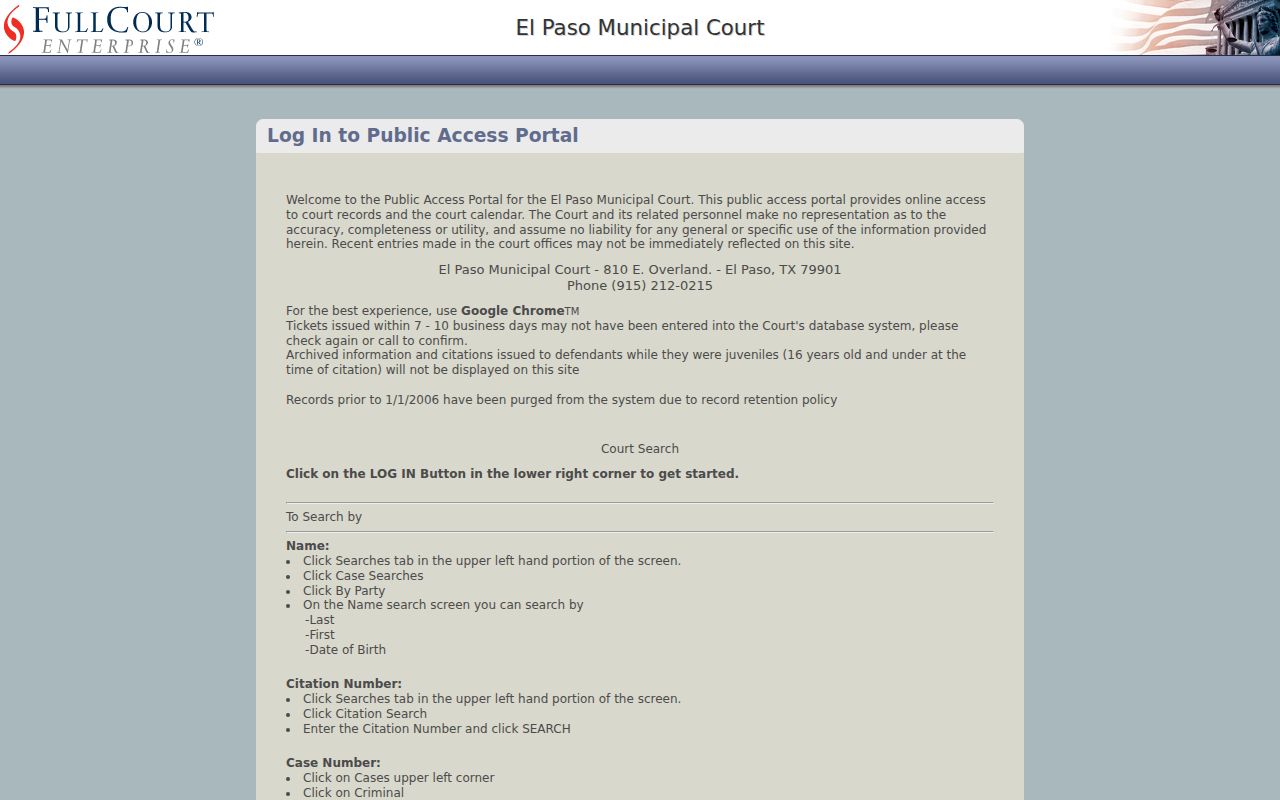
That court portal has different data and timing rules from the Sheriff's defendant search.
What an El Paso County Warrant Search Returns
The Sheriff's landing form does not promise a fixed set of result fields. Before relying on a hit, ask for the issuing court, warrant or cause number, type, offense or reason, bond amount and type, issue date, and whether the record is active, served, recalled, or returned. The District Clerk says its Criminal Division issues warrant numbers, but no public format example was found.
| Warrant or Cause Number | Local warrant format is not published. Ask the clerk for the exact number |
|---|---|
| Charge or reason | Offense, missed date, unpaid judgment, or other court obligation. |
| Issuing Court | The court that signed the process and controls recall or reset. |
| Bond | Amount and permitted type must be confirmed; no countywide schedule was found. |
| Status and dates | Ask when it issued, whether it was executed, and whether a recall was entered. |
El Paso County Roundup PDF Is Dated
The 2023 Operations Safe Streets PDF is a curated misdemeanor roundup, not a live search. It was accurate only as of compilation, and later court actions can change whether a record remains on it. The source displays name, offense and date, and a last-known-address column; this site does not reproduce those entries or addresses.
Use it only to understand the program and then confirm with the named court or Sheriff's warrant unit. A search screen, static list, and court docket are separate products. If a name appears in a roundup, call before booking or paying.
Where El Paso County Warrants Are Checked
The Sheriff Warrant Search covers its own issued warrants. The District Clerk keeps adult felony pleadings, the County Clerk Criminal Division holds adult misdemeanor files, and eight JP places handle county Class C matters. Each city municipal court keeps its own traffic and ordinance cases. The issuing court's clerk can identify the record and next step.
Texas DPS and OmniBase do not provide a general statewide warrant search. They report certain failure-to-appear or failure-to-pay violations. A city or JP warrant may never appear in the Sheriff's form, and a federal case may be sealed or outside local indexes.
El Paso County Records Search Hub
The County Records Search page collects links for multiple record systems, including the Sheriff's warrant search and criminal-case tools. It is a directory page, not a single combined database; selecting a link sends the search to that office's own interface. The hub helps identify the next system when a Sheriff's search does not answer a court-specific question.
Open the El Paso County Records Search hub to choose among the published search links.
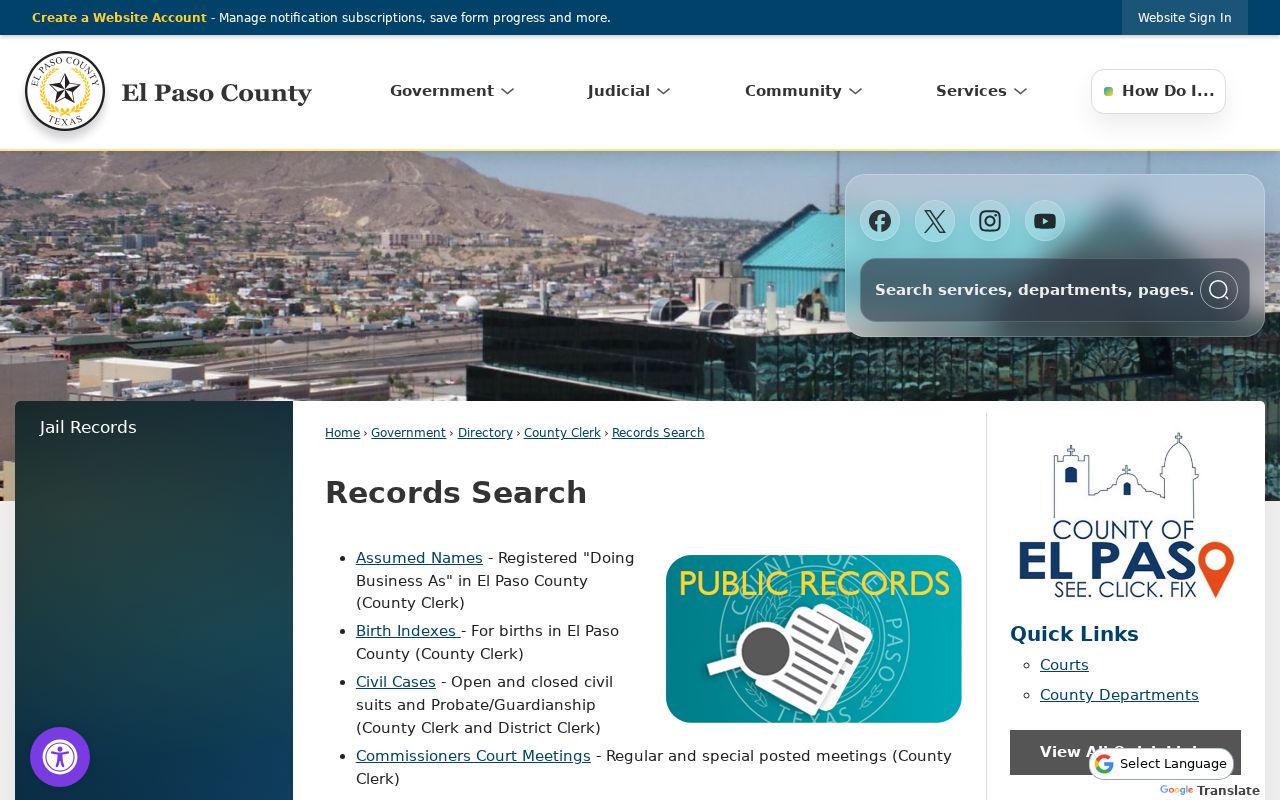
Use the office named on a court notice when you need that court's current case status.
El Paso County JP Ticket Search
For a traffic citation issued outside El Paso Police jurisdiction, the ticket should identify the JP precinct. Open that court's case-search and ePay links from the county's Justice of the Peace page, then call the precinct clerk about a capias or missed setting. The county directory publishes office-specific addresses and numbers; no single precinct handles every citation.
A JP case result can answer more than a sheriff-only search. Ask the clerk whether the citation has a warrant, what payment or appearance is required, and when a court action will update other systems.
The county's JP portal links to case and payment tools.
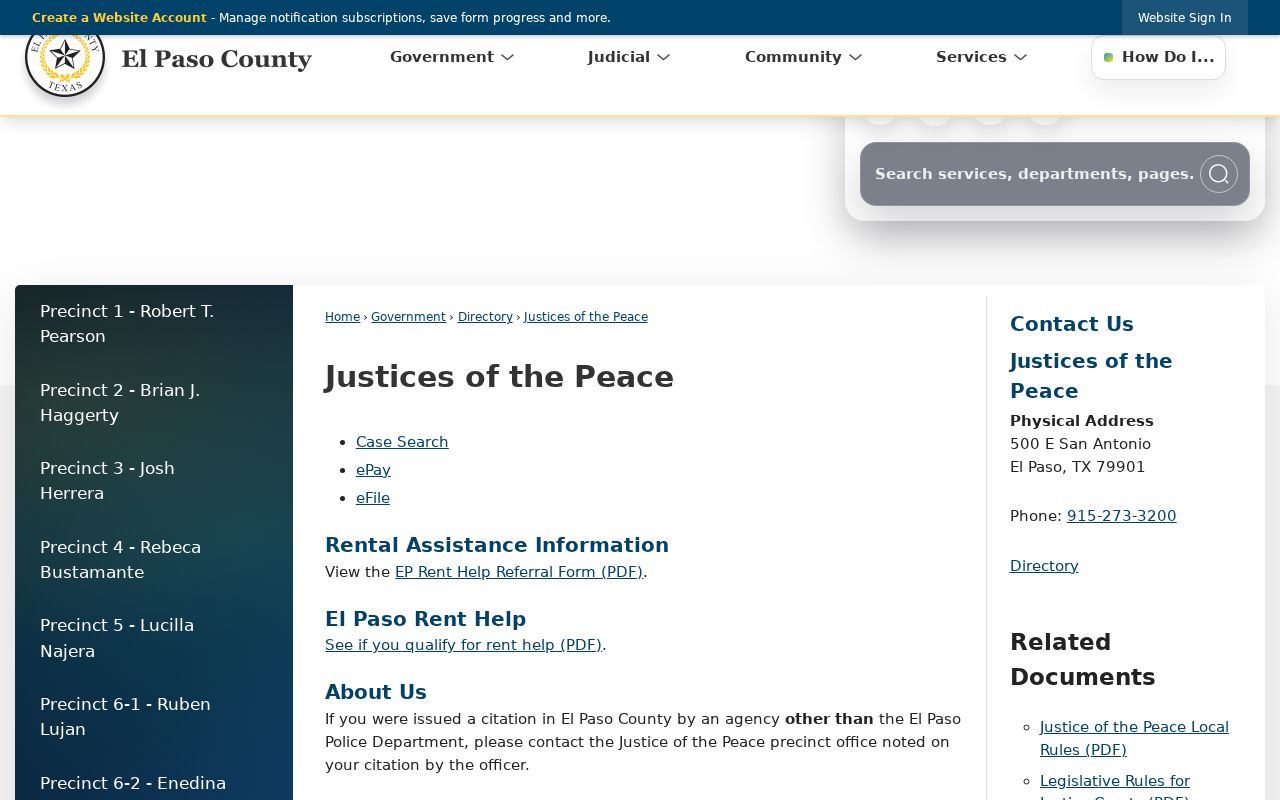
Read the precinct from the citation before choosing a court link.
Access and Restricted Warrants
Public access depends on the record and its stage. Under Texas Code of Criminal Procedure art. 15.26, an arrest warrant and supporting affidavit become public when the warrant is executed. Texas Government Code §552.108 may protect law-enforcement information tied to an active investigation. A child's warrant record is confidential under Family Code §58.010.
Key Rules:
An unserved or sealed process may not be visible to a public name search.
Juvenile arrest warrants and supporting papers are confidential under Texas Family Code §58.010, subject to statutory exceptions.
A blank Sheriff result does not establish that no city, JP, federal, or restricted warrant exists.